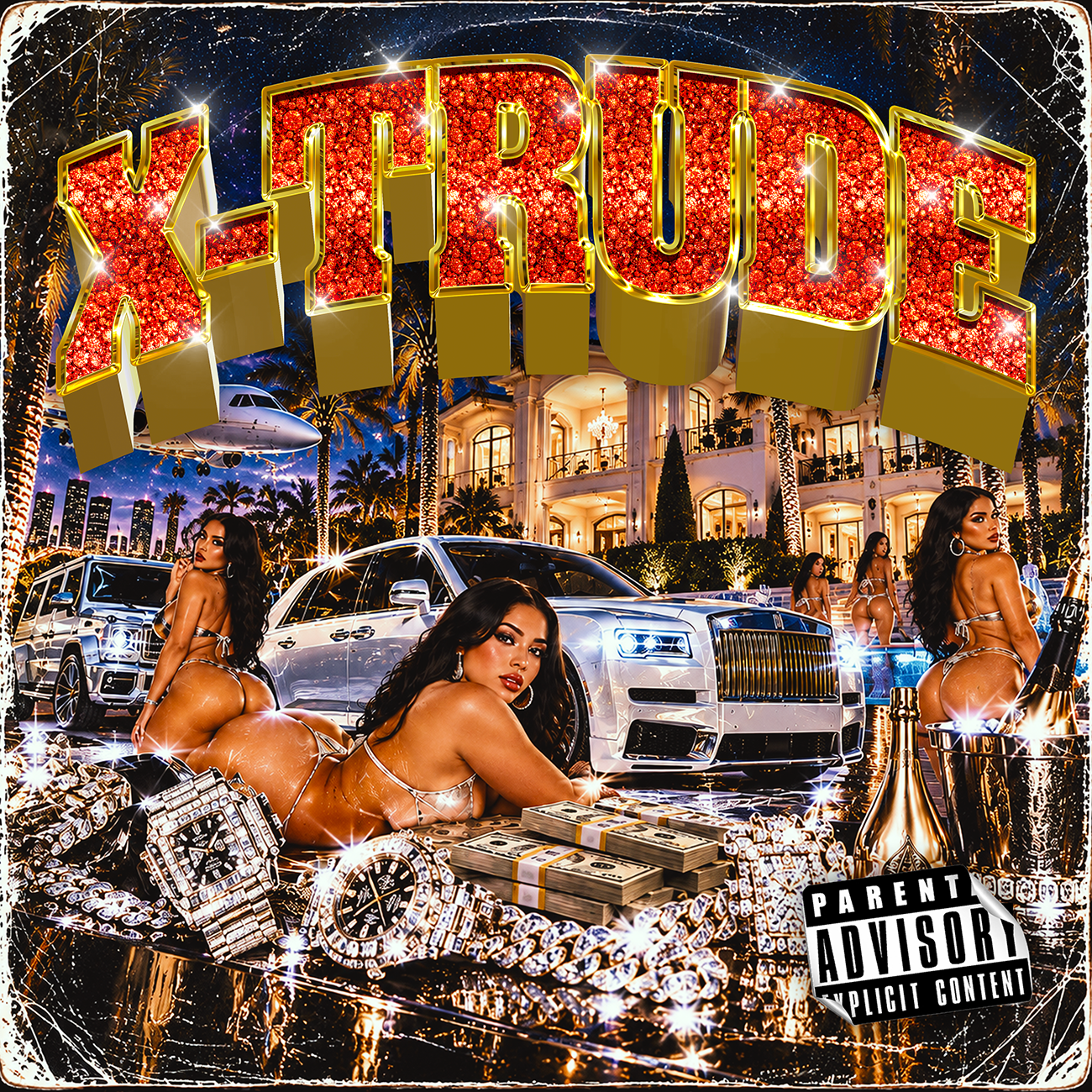
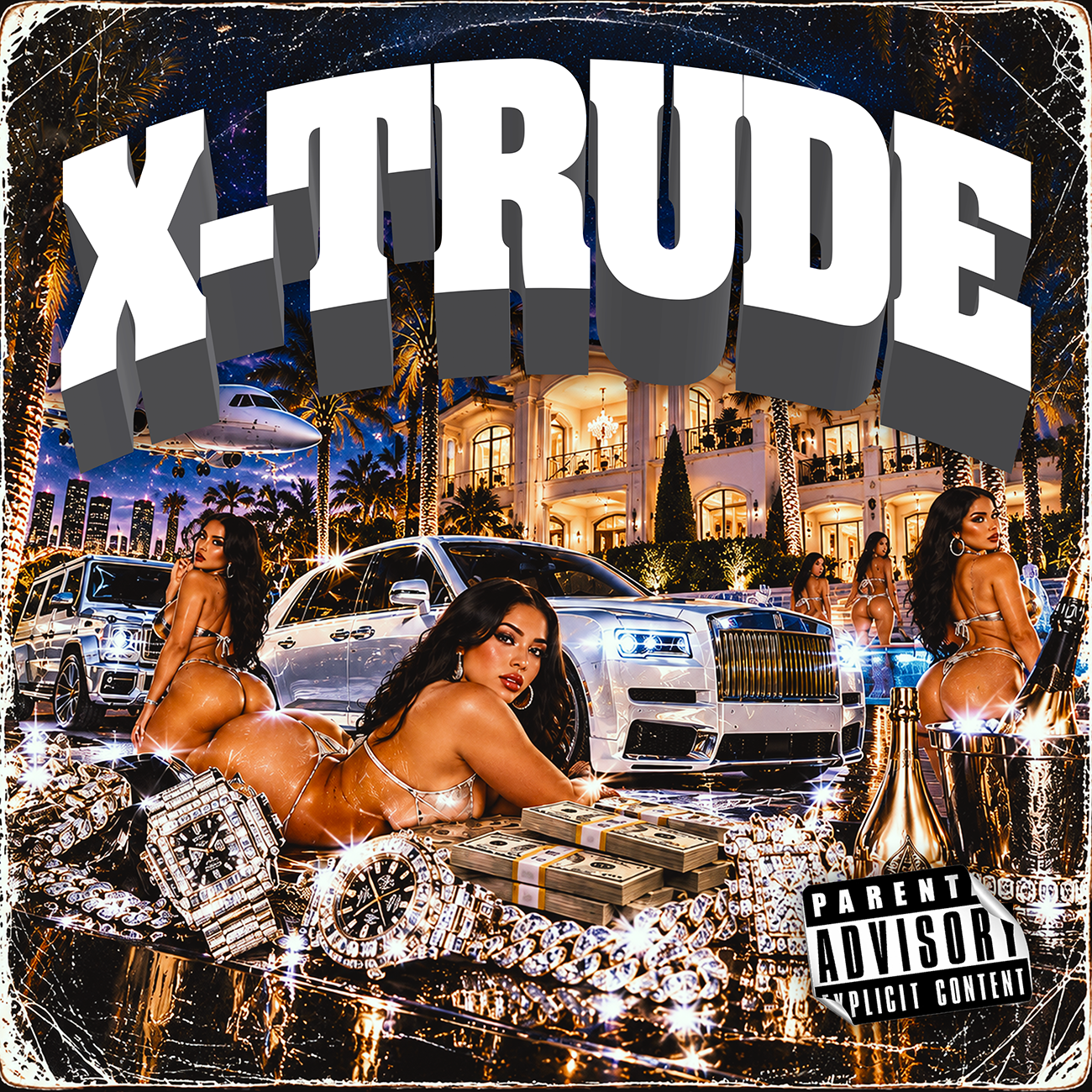
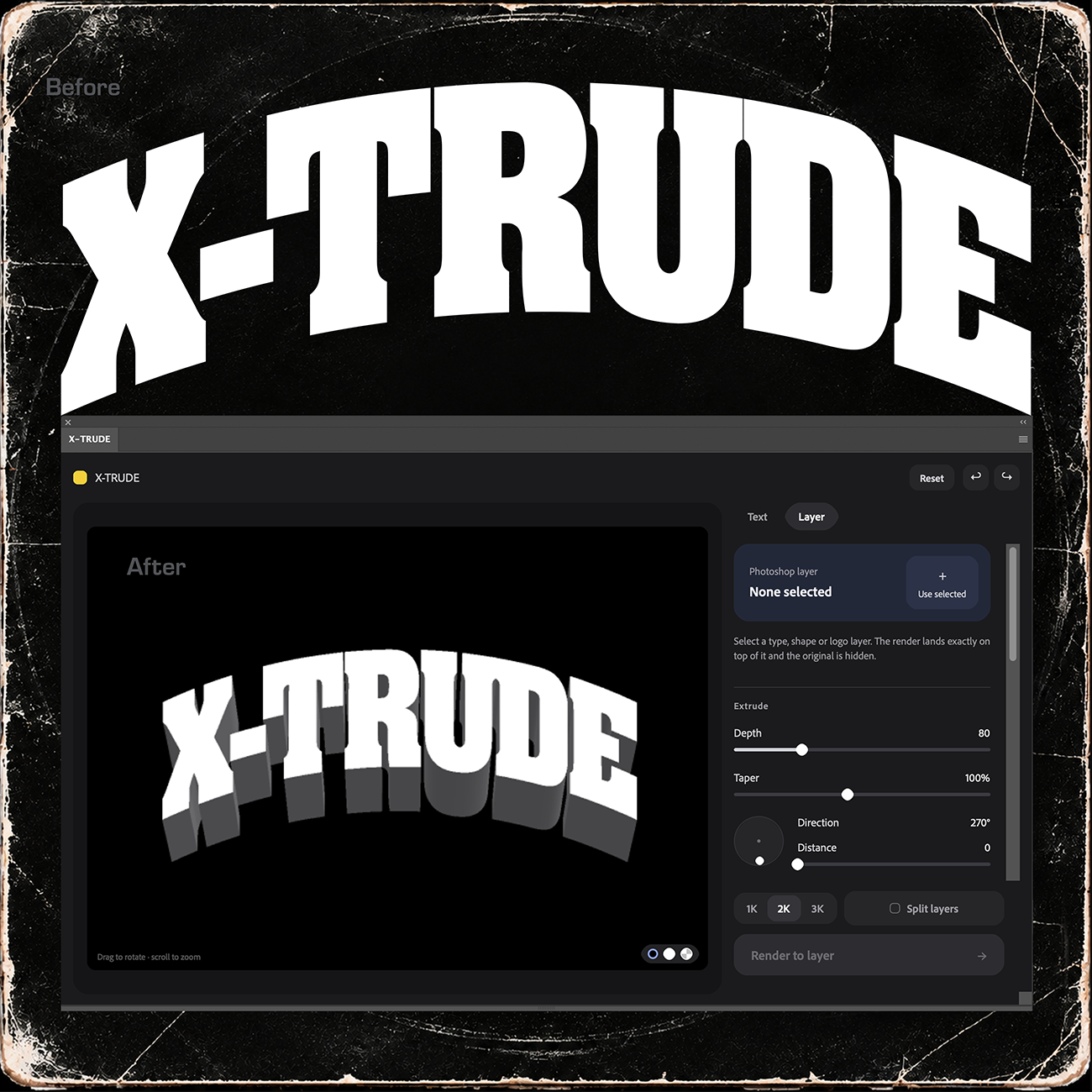
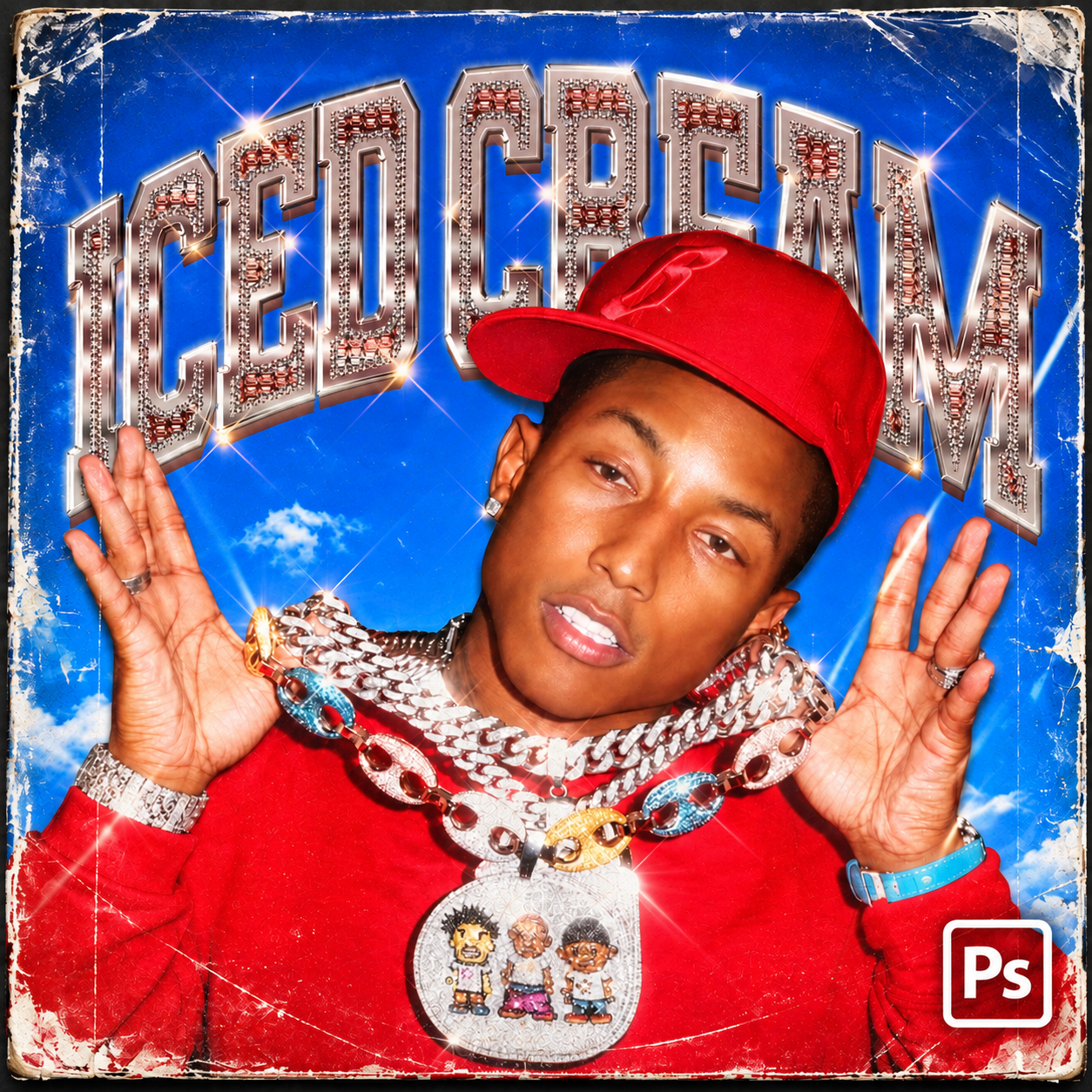
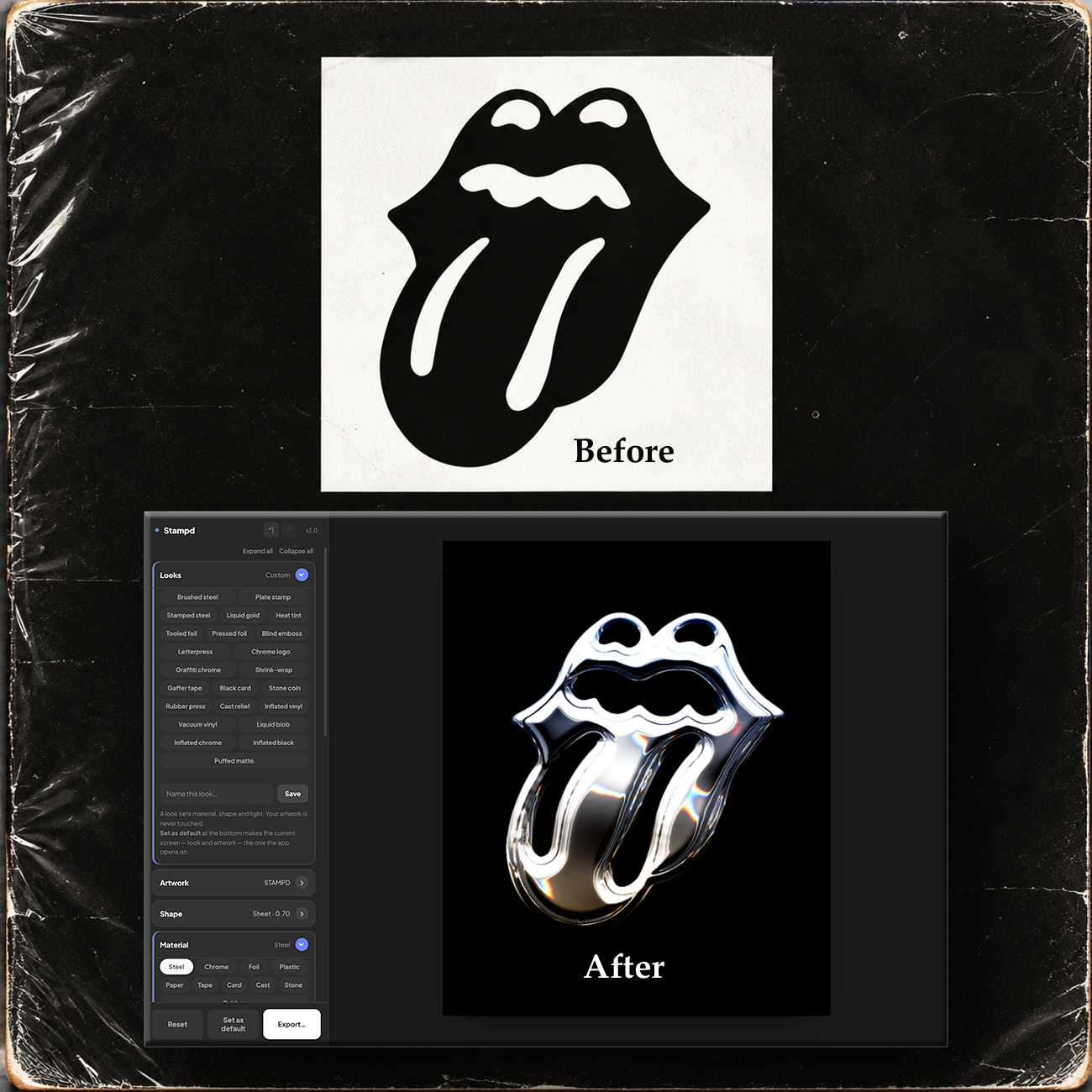
Press your logo into real metal.
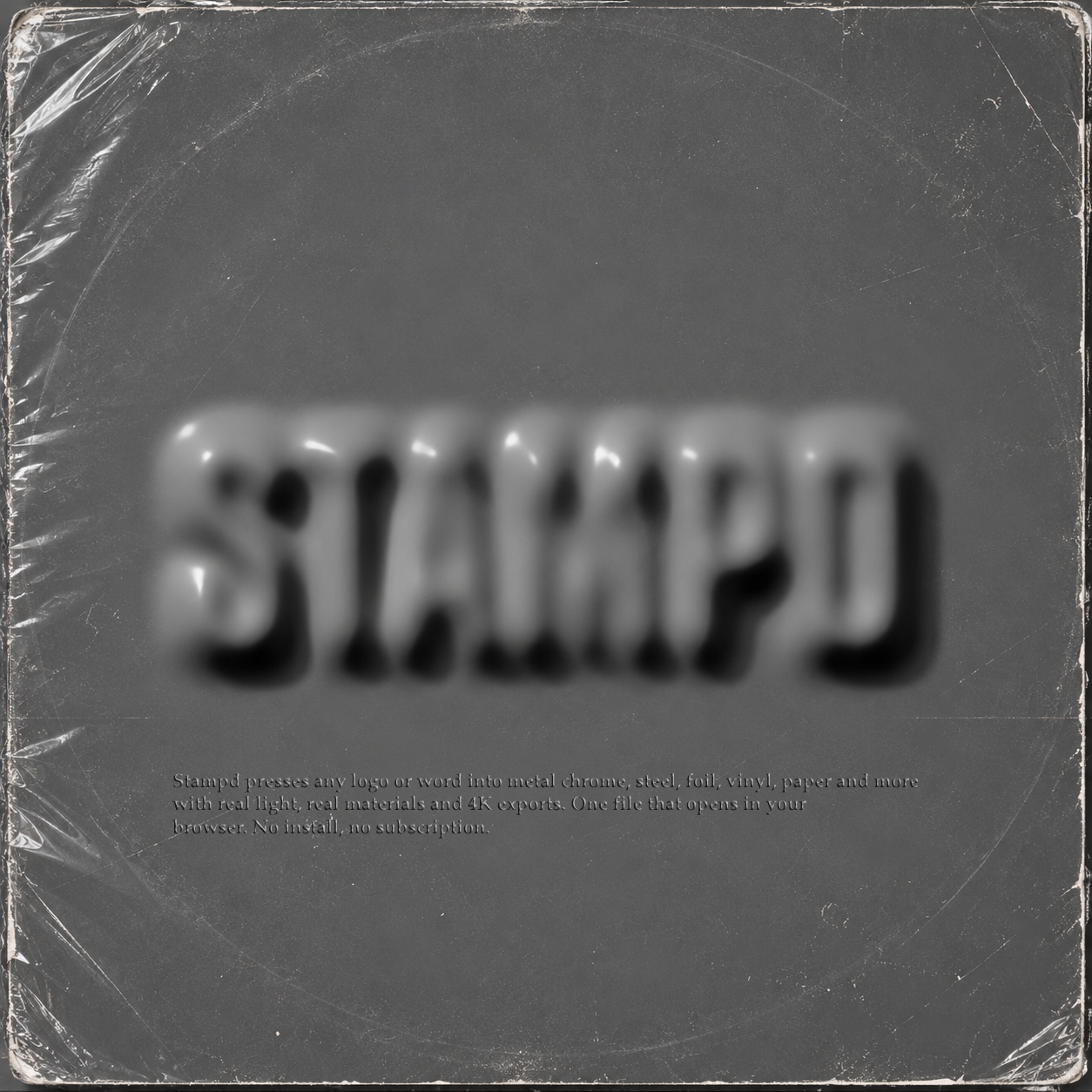
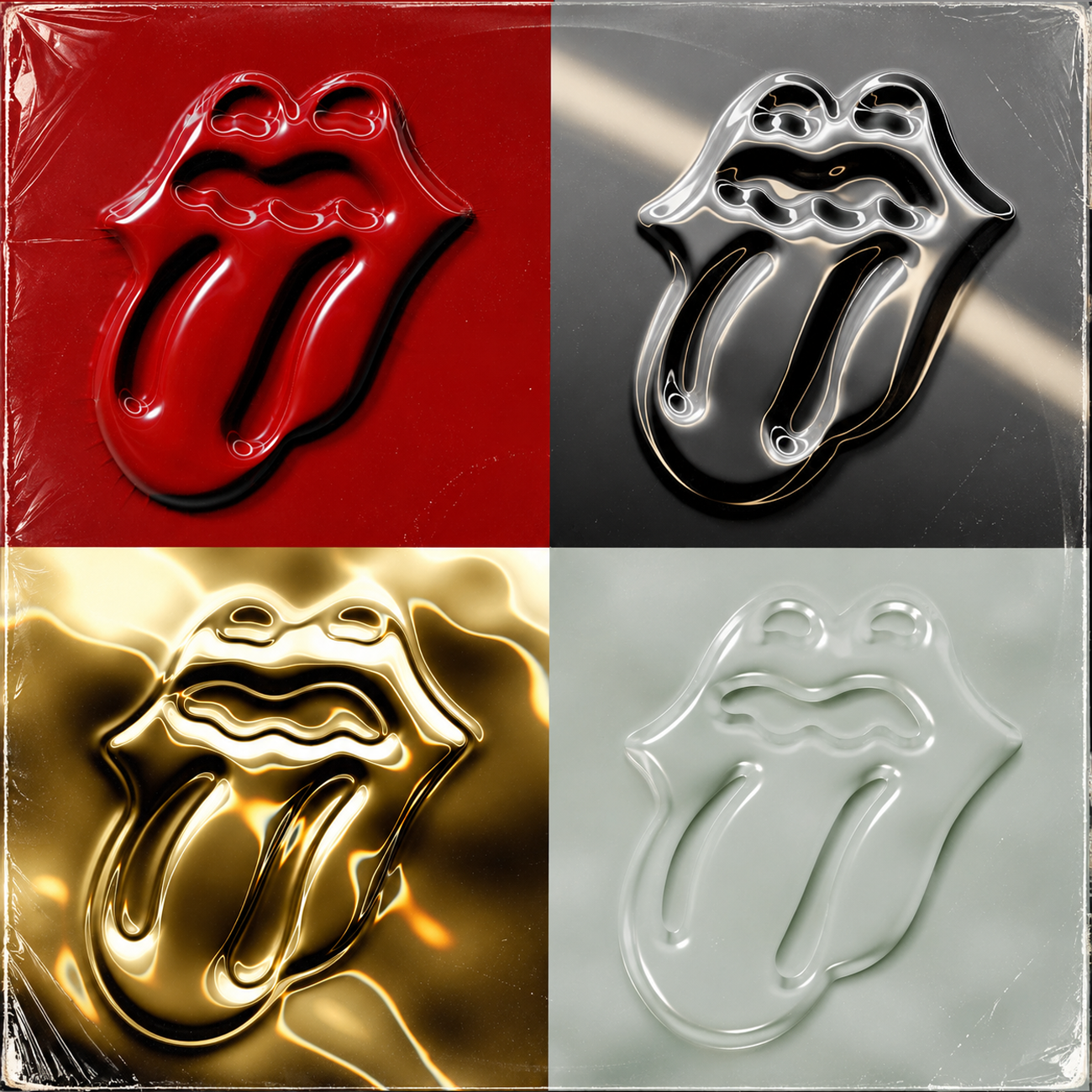
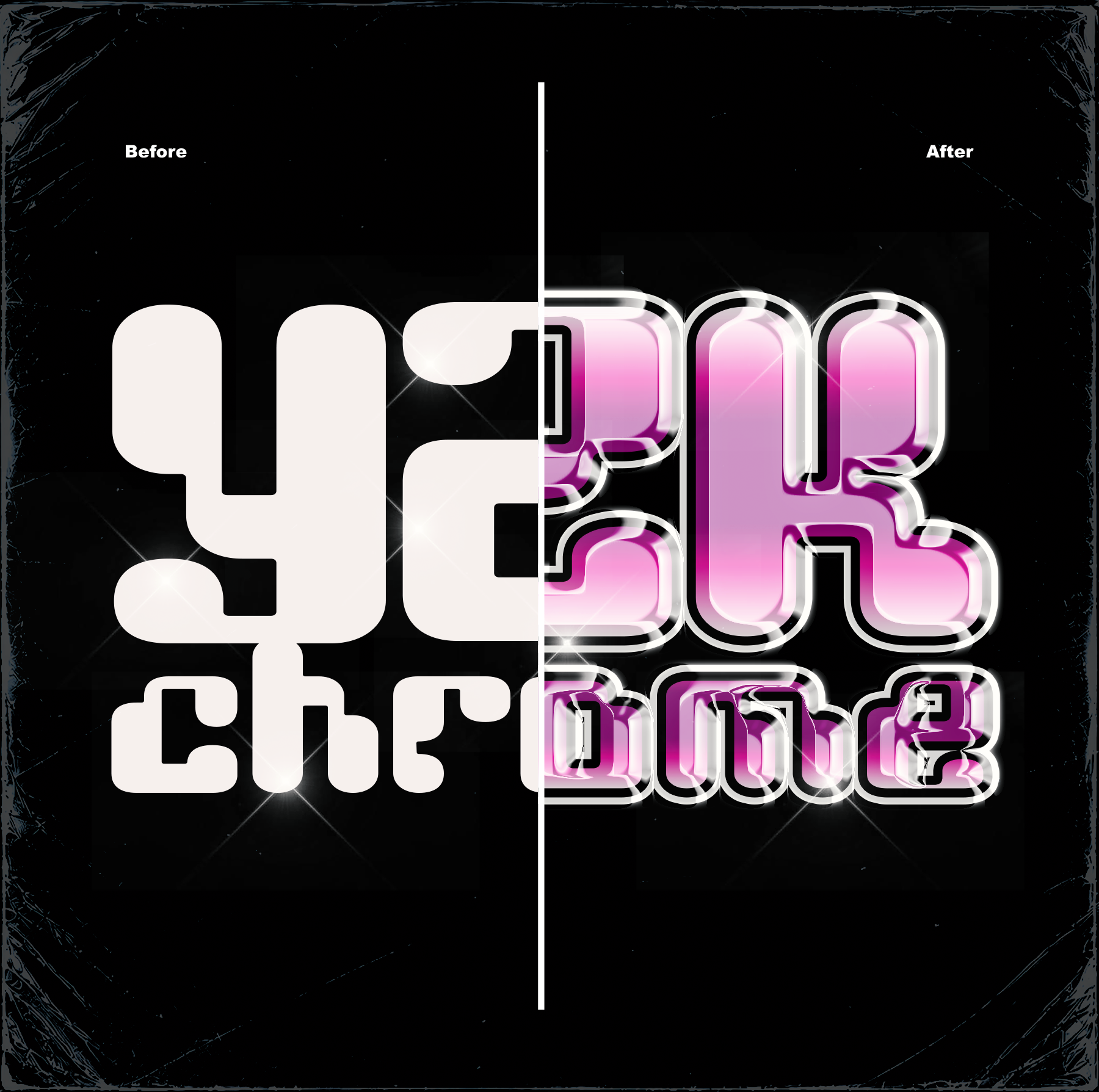
Turn any logo and Type into polished chrome, gold, steel, gel, or die-cut metal in seconds. Drop it in, pick a look, and it is pressed into the sheet, lit, shadowed, and ready to export at up to 4K.
$30 one-time $35 · instant download
Chrome Metal Sheet Die Cut
Liquid Gold
Plasic Press
Rubber Press
Die Cut
Vacuum Vinyl
Neon
Features
-
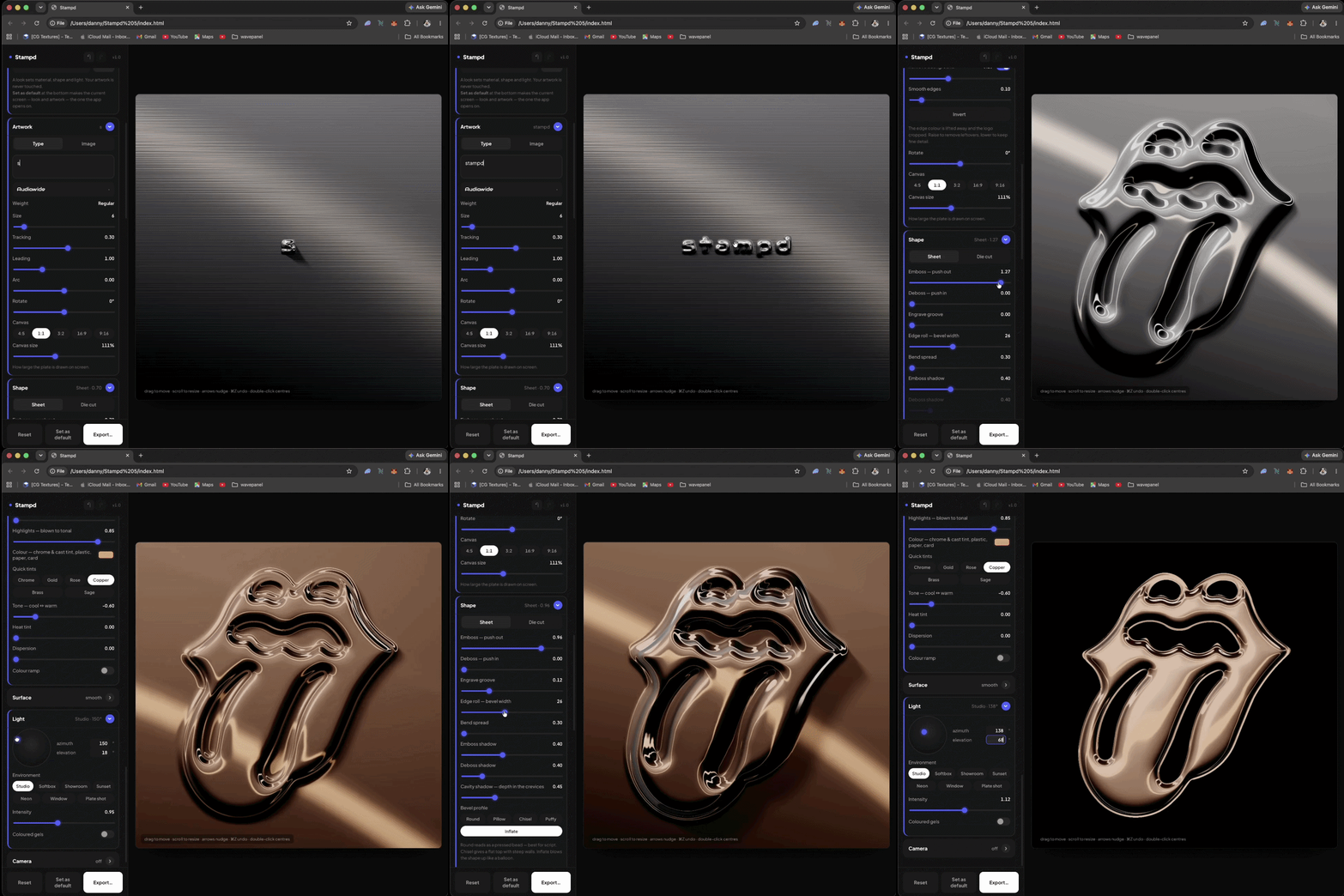
Drop in a logo or type a word and it is stamped into sheet metal. Push the shape out of the sheet, press it in, carve a groove along its outline, or cut the metal to the shape itself with a rolled bevel.
The sheet bends around your artwork the way stiff metal actually does, with a long soft skirt — so it reads as a real press rather than a bevel filter.
Then take it further: foil, plastic, paper, rubber, stone and cast metal, a photographic finish, and exports up to 8K wide.
-
Ten surfaces: steel, chrome, foil, plastic, paper, tape, card, cast metal, stone and rubber. Each has its own reflectance, so chrome mirrors the room and paper reflects almost nothing. Tint chrome to gold, rose gold, copper or brass in a click, or pick any colour you like.
Add waviness, hammered dents, brushed grain, fine blasted tooth, grime settling into the bevels, and the pull of vinyl or rubber drawn tight over the form. Scratches, creases, grit, crumpled film, woven scrim, tarnish, wear and foil mill lines are one click further in.
Then light it in one of seven environments — Studio, Softbox, Showroom, Sunset, Neon, Window and Plate shot — drag the key light where you want it or type an exact angle, and add two coloured gels.
Finish it like a photograph: depth of field that follows your artwork, bloom on the brightest highlights, and sensor grain. Or seal the whole piece under clear film, as a vacuum pouch or shrink-wrap.
-
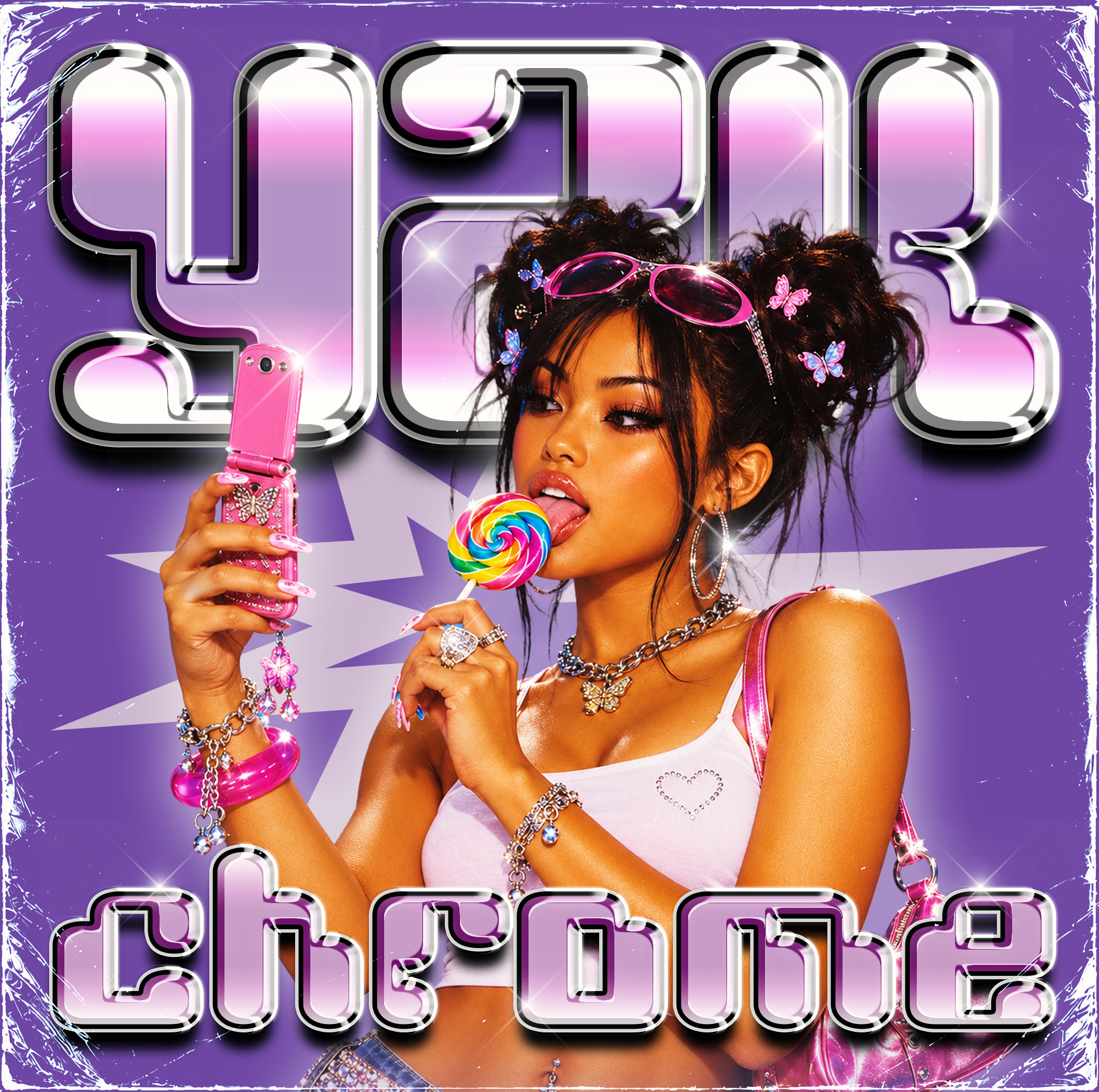
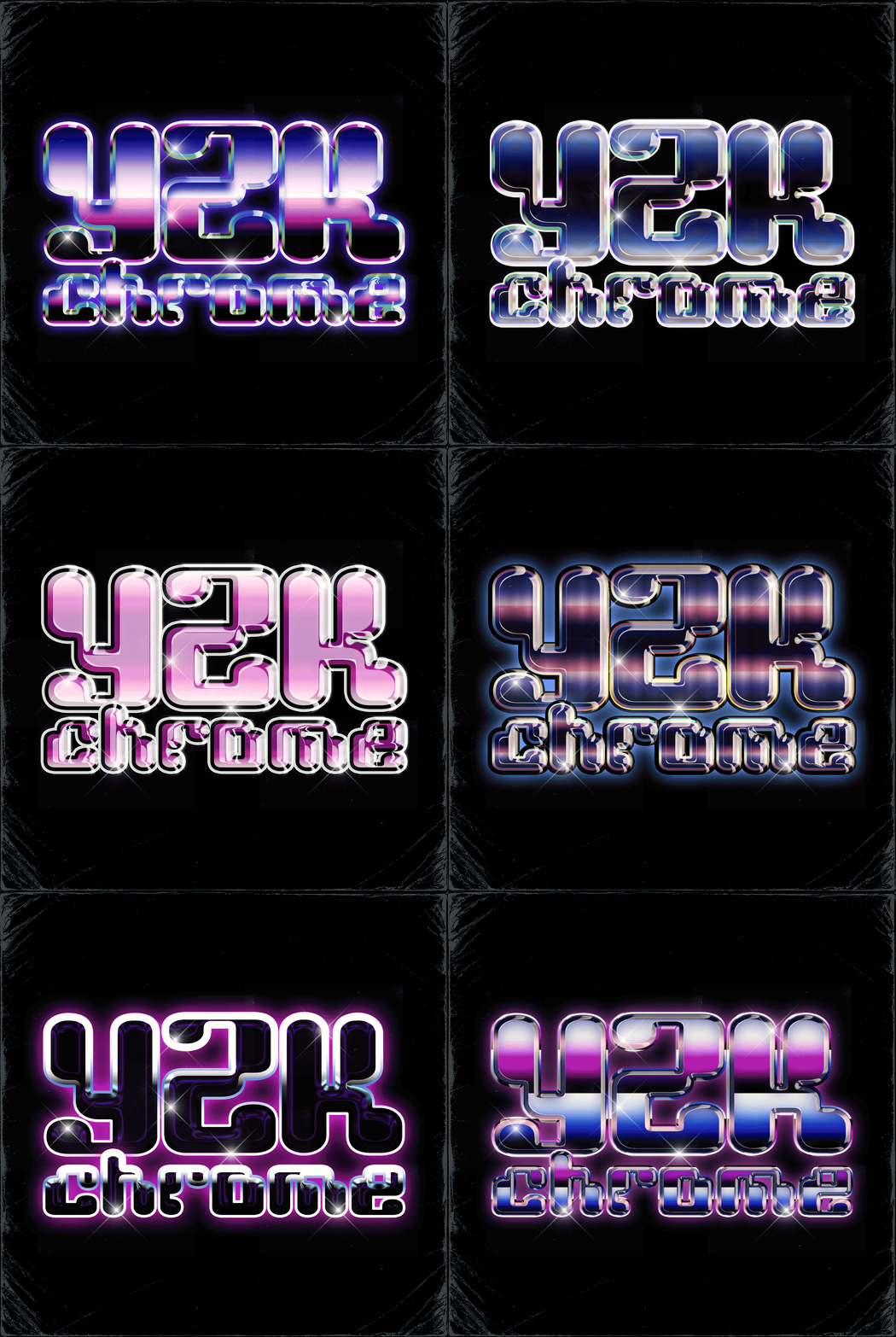
Type a word, stack several lines, or bend the text into an arc. 75 typefaces are built in, across statement, modern sans, serif, script and techno, each with its full range of weights. Set the size, tracking and leading, and rotate the whole thing.
Upload your own fonts — TTF, OTF, WOFF or WOFF2. They sit at the top of the font menu, stay there next time, and work with no internet connection.
Or drop in a logo: PNG, JPG, WebP or SVG, or paste one straight from the clipboard. The background is lifted away automatically, with control over how much comes off, how clean the edges are, and whether the shape is inverted.
Drag your artwork anywhere on the plate, scroll or pinch to resize, nudge it with the arrow keys, and work on a 4:5, 1:1, 3:2, 16:9 or 9:16 canvas.
Start from 23 finished looks — brushed steel, chrome logo, letterpress, blind emboss, inflated vinyl, vacuum vinyl, cast relief and more. Save your own, set any screen as the one Stampd opens on, and undo freely.
-
Export at screen size, 1080, 2K, 4K, or any custom width up to 8192 px, as PNG or JPG.
Every export is rendered fresh at full resolution — never upscaled — and grain and focus scale with it, so a 4K file looks exactly like your preview.
Die-cut pieces export as PNG with a transparent background, ready to drop straight into a layout.
-
Stampd, as a single file that runs in your browser. Double-click it and work — nothing to install, no account, no sign-up.
Inside the download:
— Stampd (index.html), the complete app
— A full guide (README), from first press to export
The licence
23 built-in looks, 75 typefaces, and your own fonts whenever you want them.
Everything runs on your own machine. Your artwork, logos and exports are never uploaded anywhere.ption
-
Chrome, Edge, Firefox or Safari 15 or newer, on a computer, tablet or phone a computer gives you the most room to work. Graphics acceleration needs to be on, which it is by default in almost every browser. An internet connection loads the 75 built-in typefaces; everything else works offline, including fonts you upload yourself.
Licence: free to use, on as many devices as you like. Everything you make with Stampd is yours — personal or commercial, no credit required.